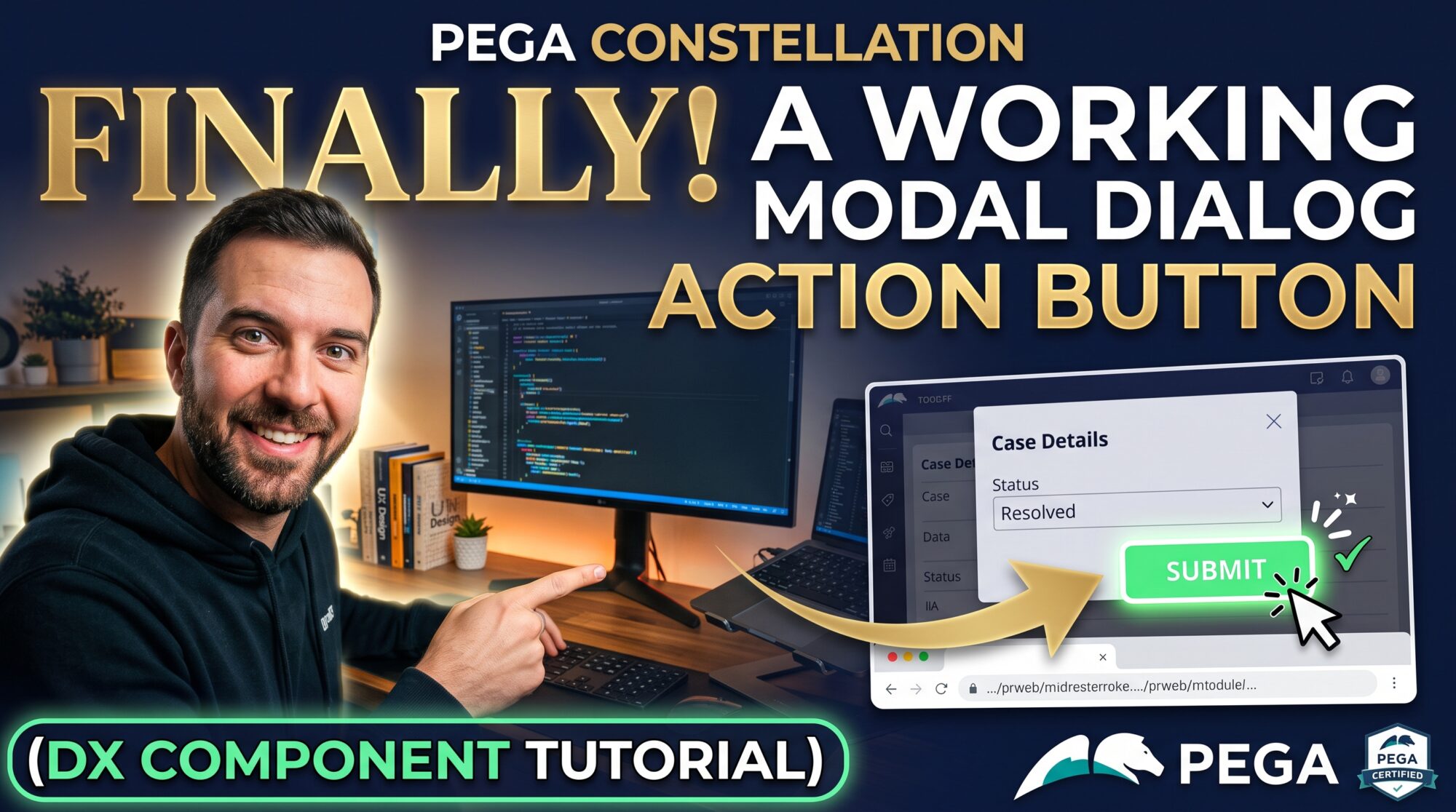
A Pega Actionable Button That Finally Works on Forms
Pega's stock Actionable Button only opens Local Actions, and its own documentation tells you to keep it off a Form view — it can submit unsaved edits and leave the form stale. Here's a version built to fix both problems.
If you've ever tried to drop the stock button onto a Form view, you've probably hit this wall: it works fine on a Details or Case Summary tab, but it calls saveAssignment() before opening its action, which means it can submit unsaved form data and leave your form looking stale right after. And even where it is safe to use, it only ever opens Local Actions — a real Flow Action, like a case-wide Cancel, just doesn't resolve.
I built a variant that fixes both: Actionable Button for Forms.
What it does differently
-
Safe inside a Form view. It never calls
saveAssignment()before launching an action, so it can't submit unsaved edits or leave the form behind it stale. -
Opens real Flow Actions, not just Local Actions. One property,
Action type, switches between Pega'sopenLocalActionandopenProcessActionAPIs. -
Always opens as a popup. Either action type launches in a modal dialog by default, so whoever's filling out the form never loses their place.
How it compares
| Stock Actionable Button | Actionable Button for Forms | |
|---|---|---|
| Safe on a Form view | No | Yes |
| Flow Actions (e.g. Cancel) | No — Local only | Yes |
| Opens as a popup | Local actions only | Always |
Getting it running
-
Drop in the component folder
Copy
Pega_Extensions_ActionableButtonFormintosrc/components/of your Constellation DX component gallery project. It ships complete — nothing to scaffold. -
Install and authenticate
Terminalnpm install npm run authenticate -
Publish
Terminalnpm run publishConfirm the ruleset name and version when prompted.
-
Configure it in App Studio
Drag a Text field onto your Form view, bind it to Instance Key Handle (or pyGUID for a data object), and set Display as to
Actionable button (Form). Set Action type to Local action or Flow action, and Action ID to the exact rule name. -
For a Cancel-style button
Check two things on the Flow Action rule in Dev Studio first: it needs to be scoped case-wide, not to a single stage, and it needs to actually be a Flow Action, not a Local Action with a similar name.
If something doesn't work
The bound key or Action ID is empty — both are required for it to render.
Already handled for Flow Actions, which resolve the case from the form's own context. If it still shows up, confirm Action type is set to Flow action.
Confirm the rule really is a Flow Action, and that it's scoped case-wide rather than to one stage.
Get Actionable Button for Forms
Available now on Gumroad — drop it into your Pega app and start shipping form-safe Cancel buttons today.
Get it on Gumroad →Built on Pegasystems' open-source constellation-ui-gallery project (Apache License 2.0). Requires a Pega Infinity license with Constellation DX Component Builder access. This is an independent, unofficial add-on — not created by, affiliated with, or endorsed by Pegasystems Inc. Pega® and Constellation® are trademarks of Pegasystems Inc.